
Password Settings
Reset password
It is not possible to reset your password via Valsight.
To reset your password, you need to contact your project administrator or the Valsight support: support@valsight.com or +49 30 46799042
Change password
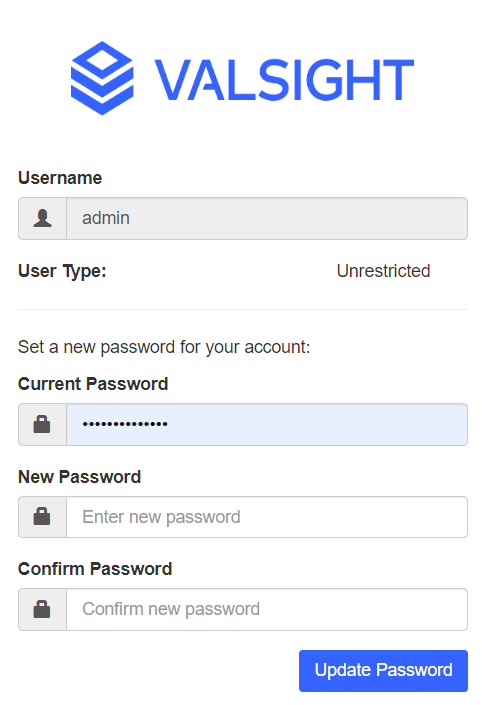
You can change your password by clicking on your account’s initials in the bottom left corner of the app. This will open the following tab where you can enter a new password.
Info:
This only applies to Valsight Users that login with Valsight Usernames + Password. If your are using your companies Identity Provider (Single-Sign-On), change your password there.