
Add a copyright or confidentiality notice
Info:
On this page we will show you how to add and customize a copyright or confidentiality notice
Adding a copyright or confidentiality notice
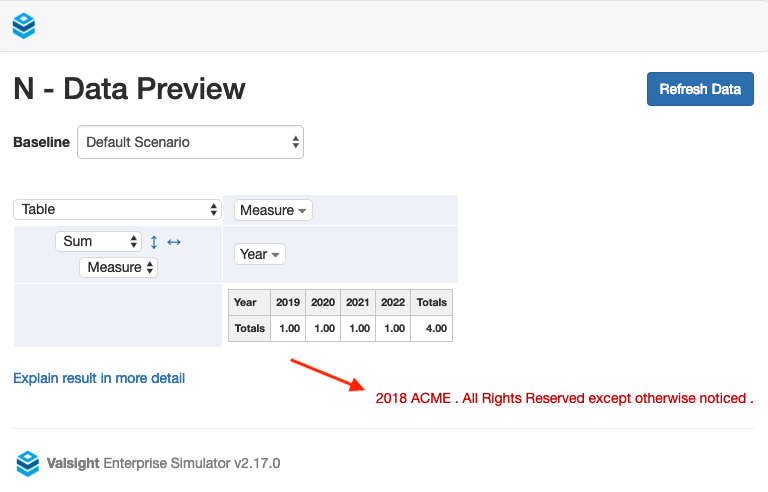
You may add a custom notice which will be visible on each slide in your presentations as well as in the print view. In addition to that, the notice will show inside simulation workspaces and when previewing data inside the model editor.
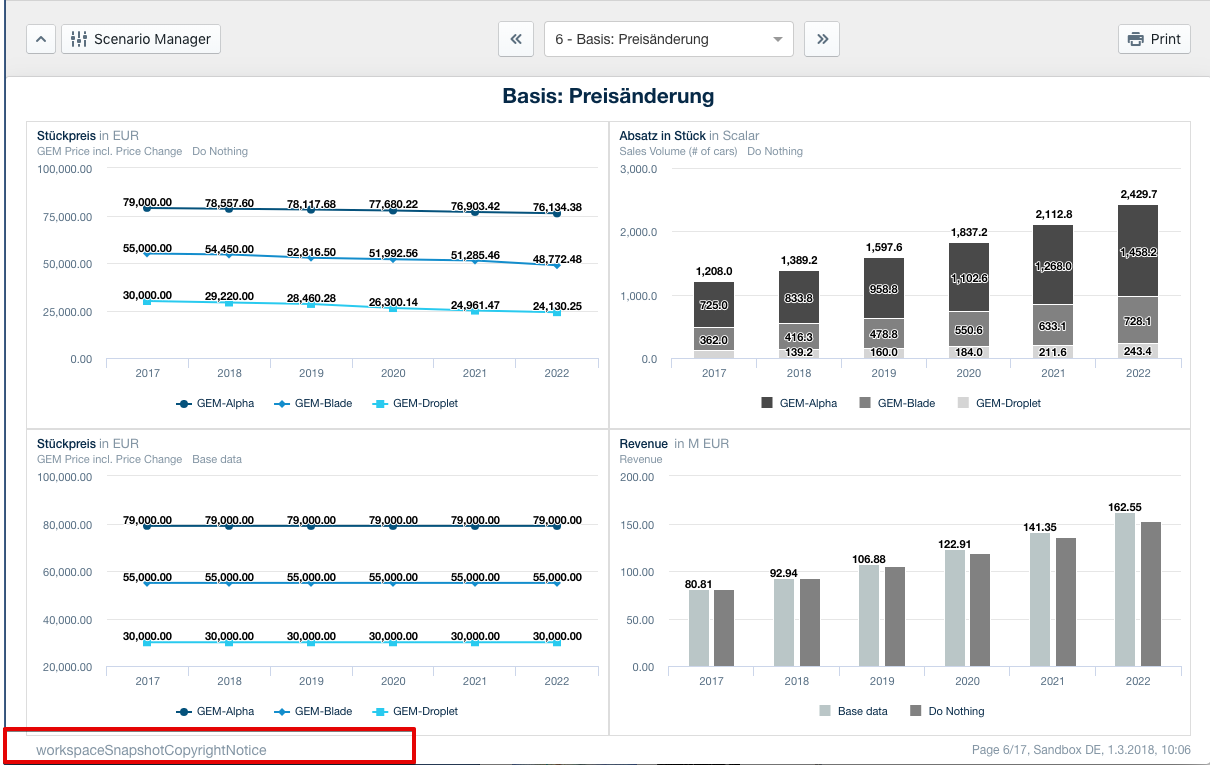
To do so, head to the project settings and edit the featureFlags.workspaceSnapshotCopyrightNoticefield.
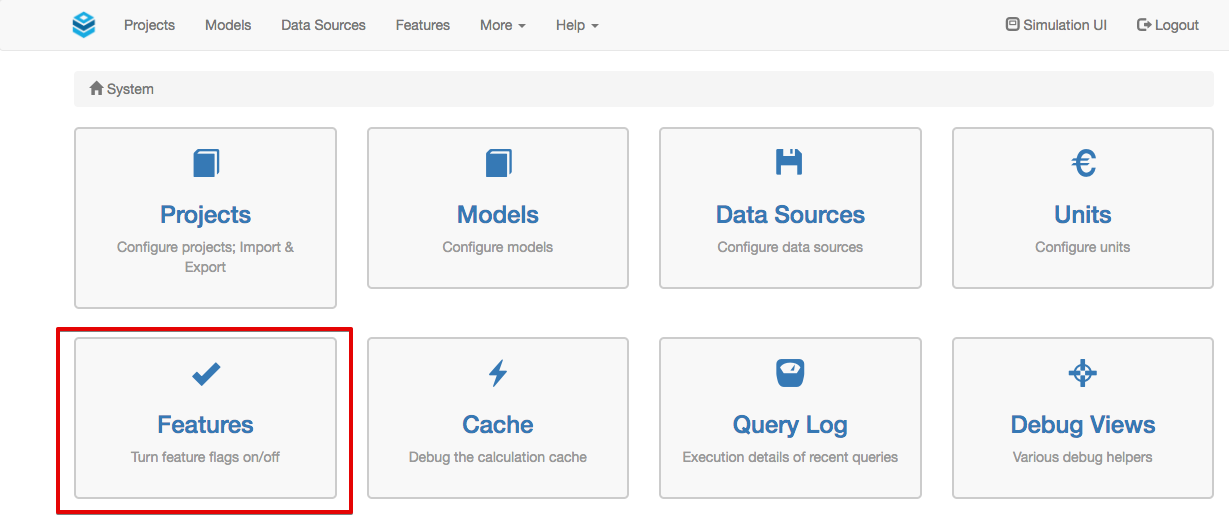

Changing the color of the confidentiality notice
Valsight also gives you the option to change the color of the confidentiality notice. To do so, head to the project settings and insert the hex code for the desired colour into featureFlags.workspaceSnapshotCopyrightNoticeFontColor.

Your confidentiality notice will now be displayed in your desired colour.

Info:
Please keep in mind that confidentiality notices are adjusted on a per project basis.