
Creating a Project
This guide shows you how to create a new project in Valsight, including configuring the project name, business key, and time settings.
Steps
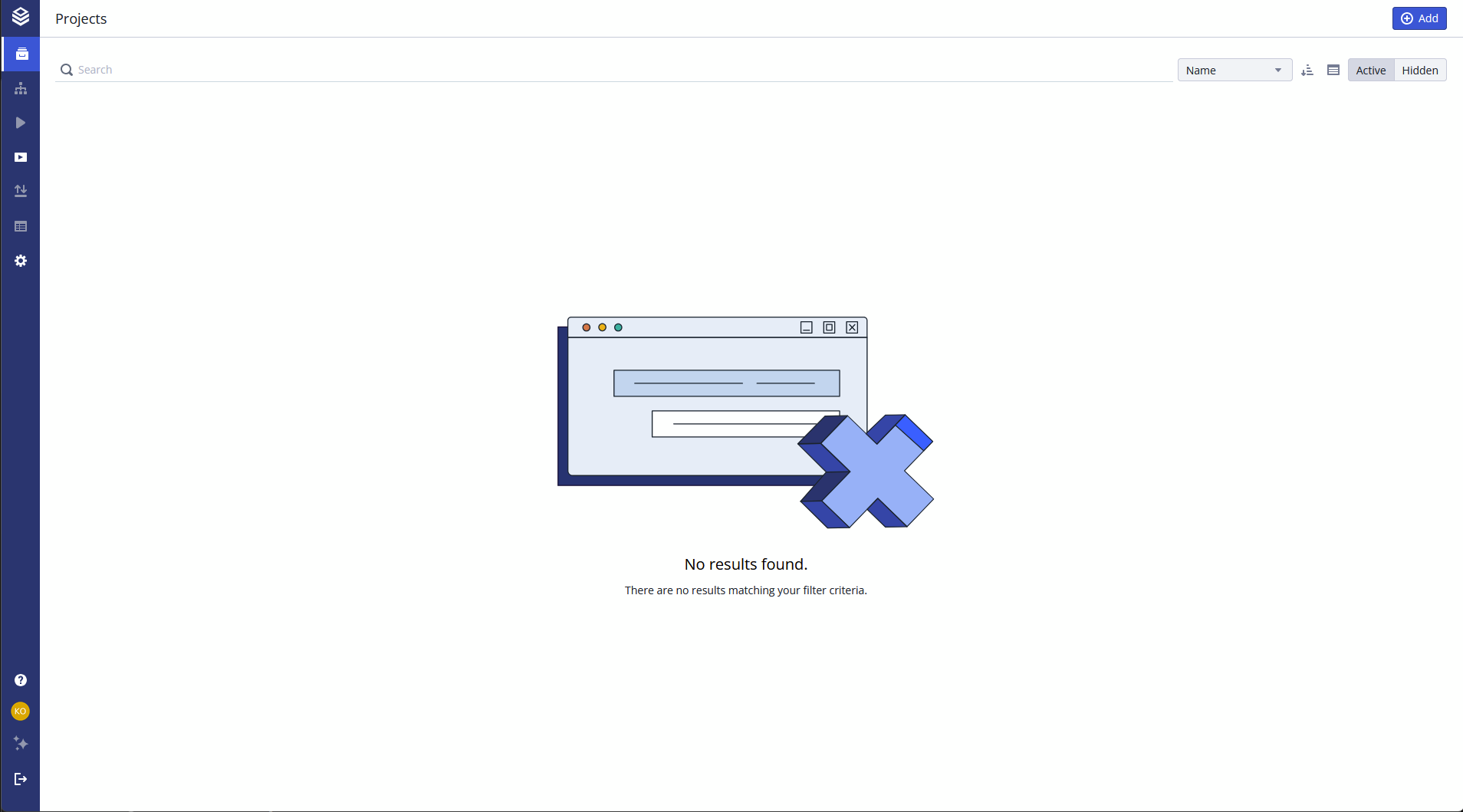
- Open the Project overview (home page).
- Click Add in the upper right corner.
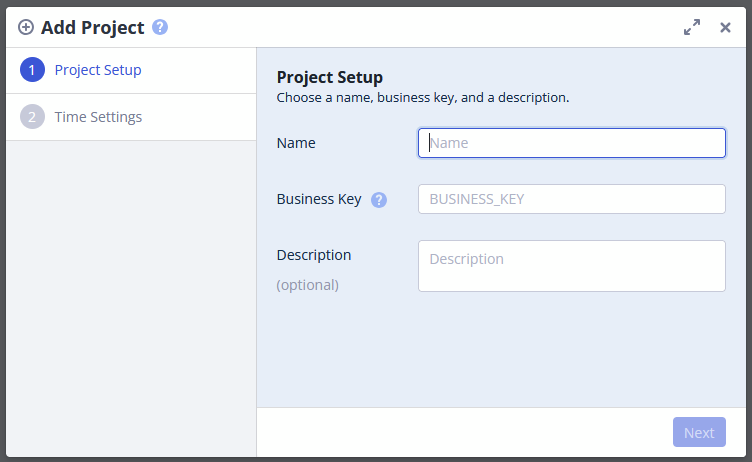
- Enter a name for your project in the Name field.
- Enter a unique identifier in the Business Key field.
- Optionally, add a description in the Description field.
- Click Next.
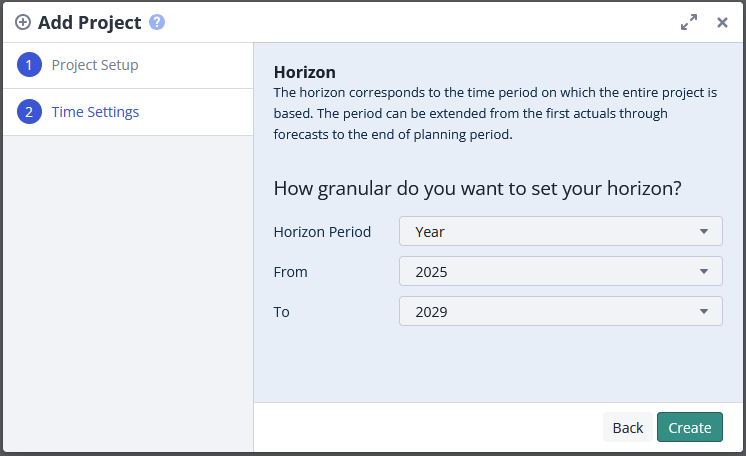
- Select the Horizon Period (Year, Quarter, or Month).
- Enter the start date in the From field.
- Enter the end date in the To field.
- Click Create.
Result
The new project appears in the Project overview. You can now add data sources, models, and simulation workspaces to it.
Related Documentation
- Business Key to understand the purpose and naming conventions for business keys
- Project Settings for detailed configuration options after project creation
- Data Upload & Import/Export Overview to import data into your project