
Chart Filter
Chart filters are the third level of filters available in a workspace.
Chart filters can be used to restrict the view in your chart so that they only display a subset of data.
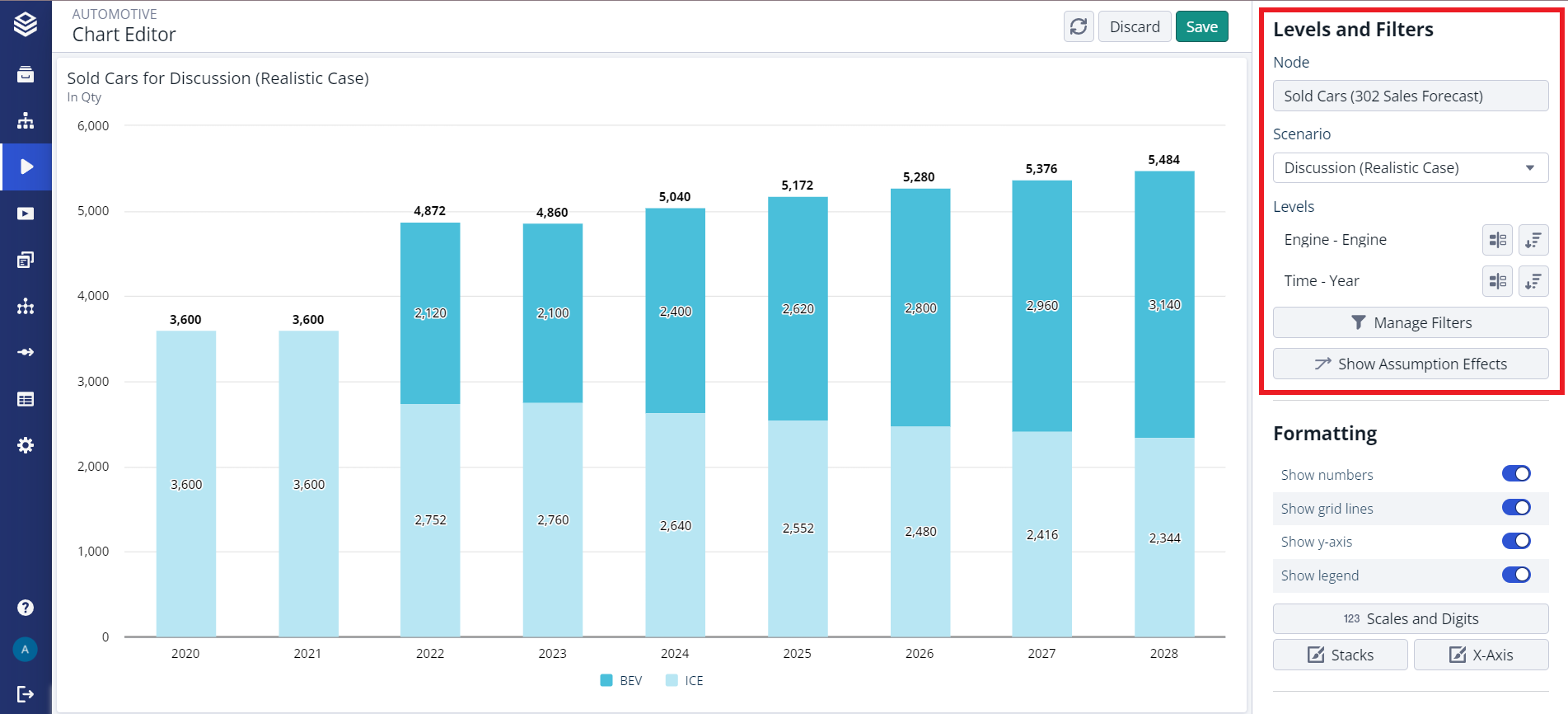
Filters can either be multi-select or single-select filters. Each level that is selected as one of the axes will automatically add a multi-select filter to your chart that contains all values by default.
To limit the number of values on your axis, you can restrict the filter. You can always add a new filter by pressing the “Add Filter” button in the ‘Manage Filters’ dialog and selecting the dimension and level for the new filter.
Info:
Chart filters are limited by the applied workspace and worksheet filters.