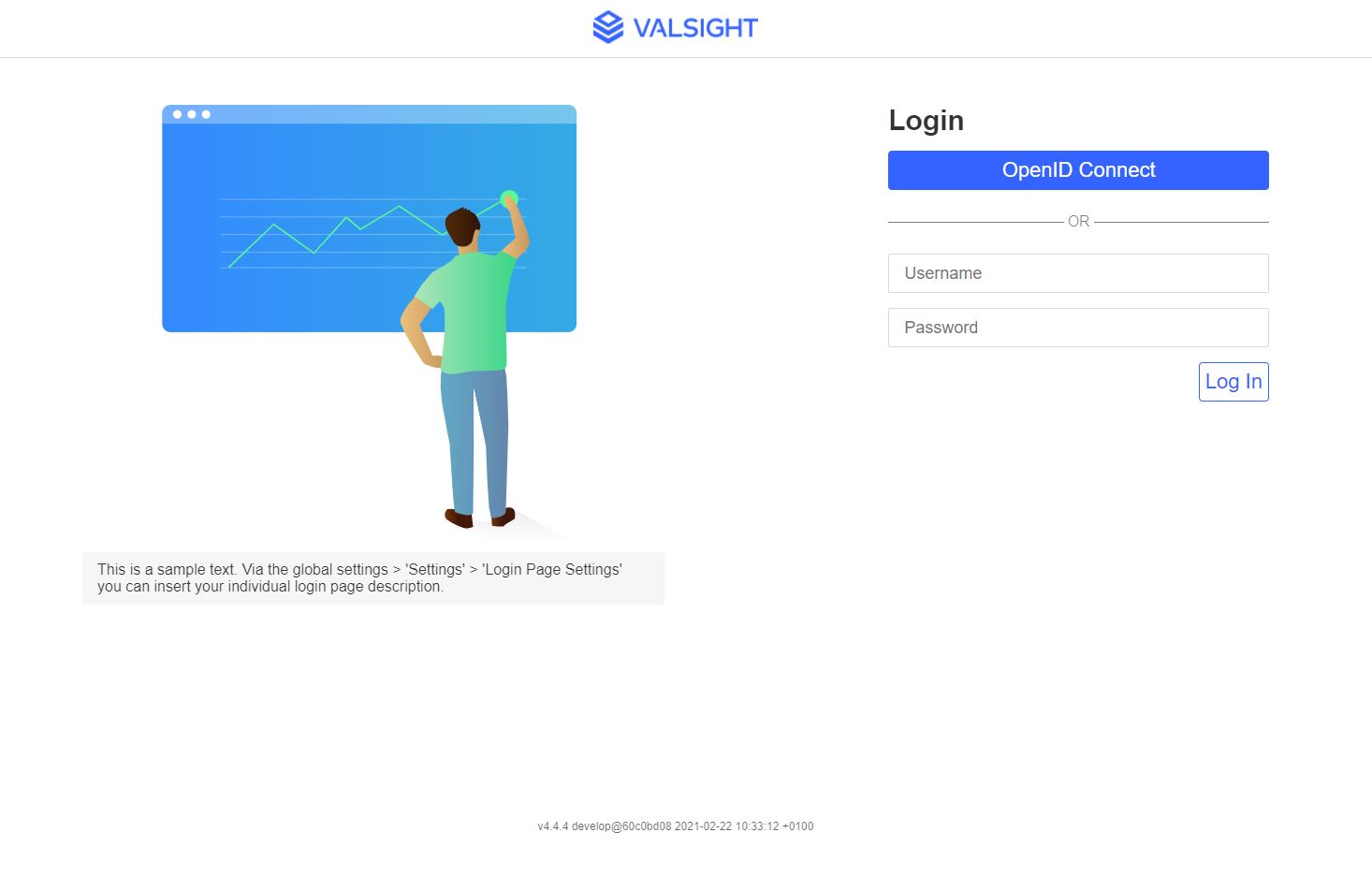
Login Page Customization
The login page can be customized in the global settings under “Login Page Settings”.
-
Providing a custom image that is displayed left of the login field. If no image is provided, a default will be used.
- Maximum file size: 1 MB
- CMYK color space not supported
-
An optional text message is displayed below the image. You can include and enable links in the text by providing a regular expression defining valid links using the featureFlag setting “allowedLinksFormat”. The text is limited to 400 characters and will be truncated if longer.
- To edit the regular expression, head to the configuration menu via the cogwheel on the navigation bar; from there go to → Settings → featureFlags.allowedLinksFormat listed below “Appearance”
- All links matching the specified regular expression will be shown as clickable links in the Valsight software. This includes the login page, descriptions ins projects/models/workspaces/workflow tiles, node descriptions in tables, node descriptions in the Inspector, node descriptions in the workspace validation, and assumption/line-item descriptions
- If you are unsure or otherwise want a standard ‘RegEx’ for this featureFlag, you can use one that allows only Valsight links:
(\bhttp?:\/\/(.*valsight)\.com\S*\b)- If external authentication providers using SAML or Open ID Connect are used, the button text can be customized.