
Parallel Access
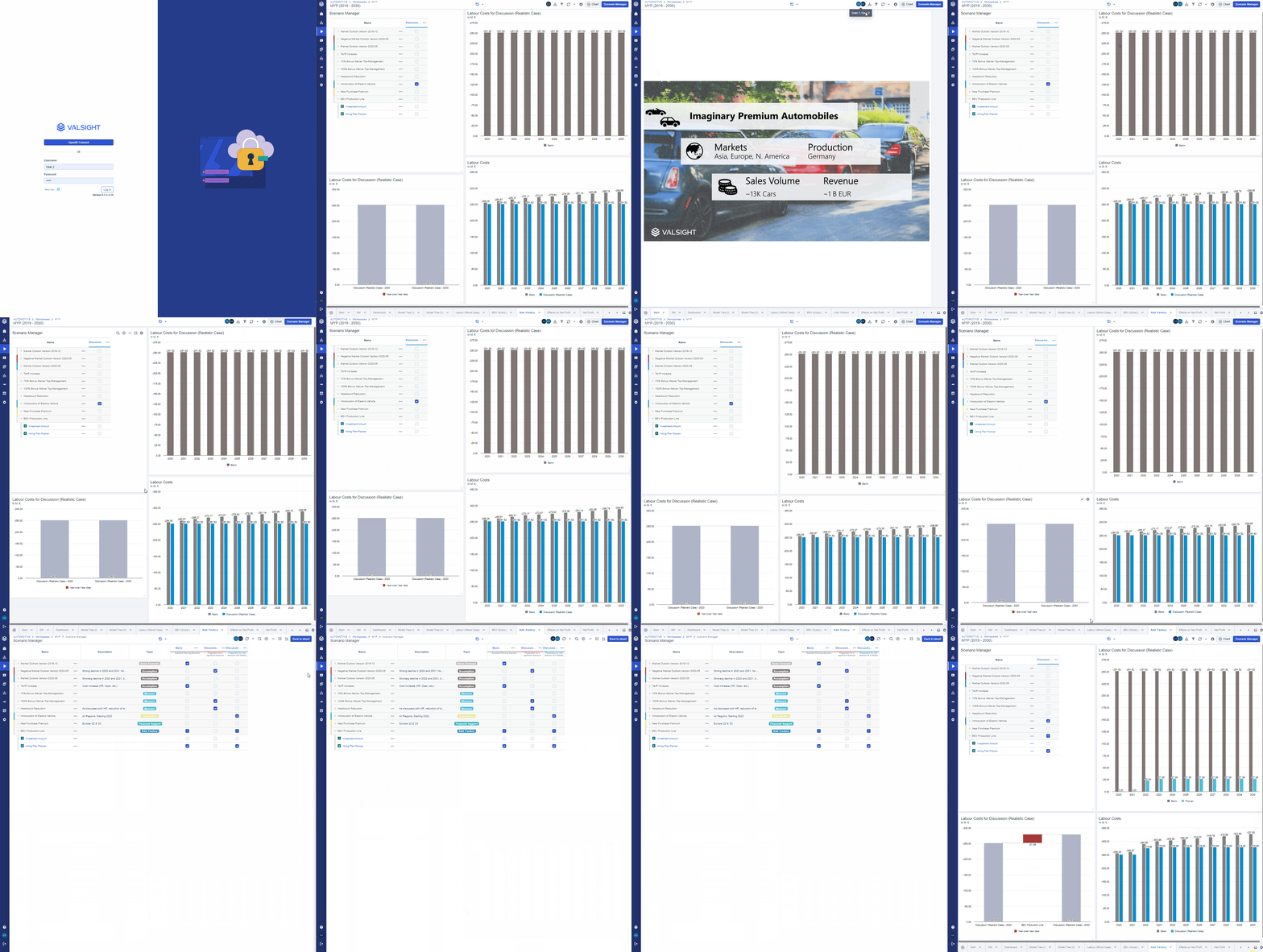
With the functionality of parallel access, Valsight enables users to:
- work with multiple users in the same workspace without interfering with each other and creating ambiguous states
- open the same workspace in multiple tabs while working with the same user
- see which users are currently active in the same workspace
- the folding/unfolding of assumptions, the search function and the hiding/showing of columns is not synced across users to enable a fluent collaboration with user a user specific Scenario Manager view
Locking
To avoid ambiguous states in a workspace, certain actions can only be done by one user/in one tab at a time.
These actions are:
-
Editing a line-item
- A line-item is locked while a user is editing either the data or the details
- Other users can enter the line-item in a read-only mode and are not able to edit anything until the other user exited the line-item again
-
Editing a chart
- Like line-items, charts are locked while a user is editing a chart.
- For charts, other users will be blocked to open the chart editor of a chart that is currently edited, but will receive a notification that someone else is currently editing the chart
Limitations
-
It is recommended to only access the same workspace with a maximum of four users at the same time
-
Sheets can be deleted while other users are looking at these sheets.
- Deleting line-items or charts while another user is editing them is not possible