Chart Templates
Saving charts as template
To save a chart as template click on the small settings button on the top right of the chart to open the context menu. There, select “Save as template”. You can then give your template a telling name.
Restoring charts from templates
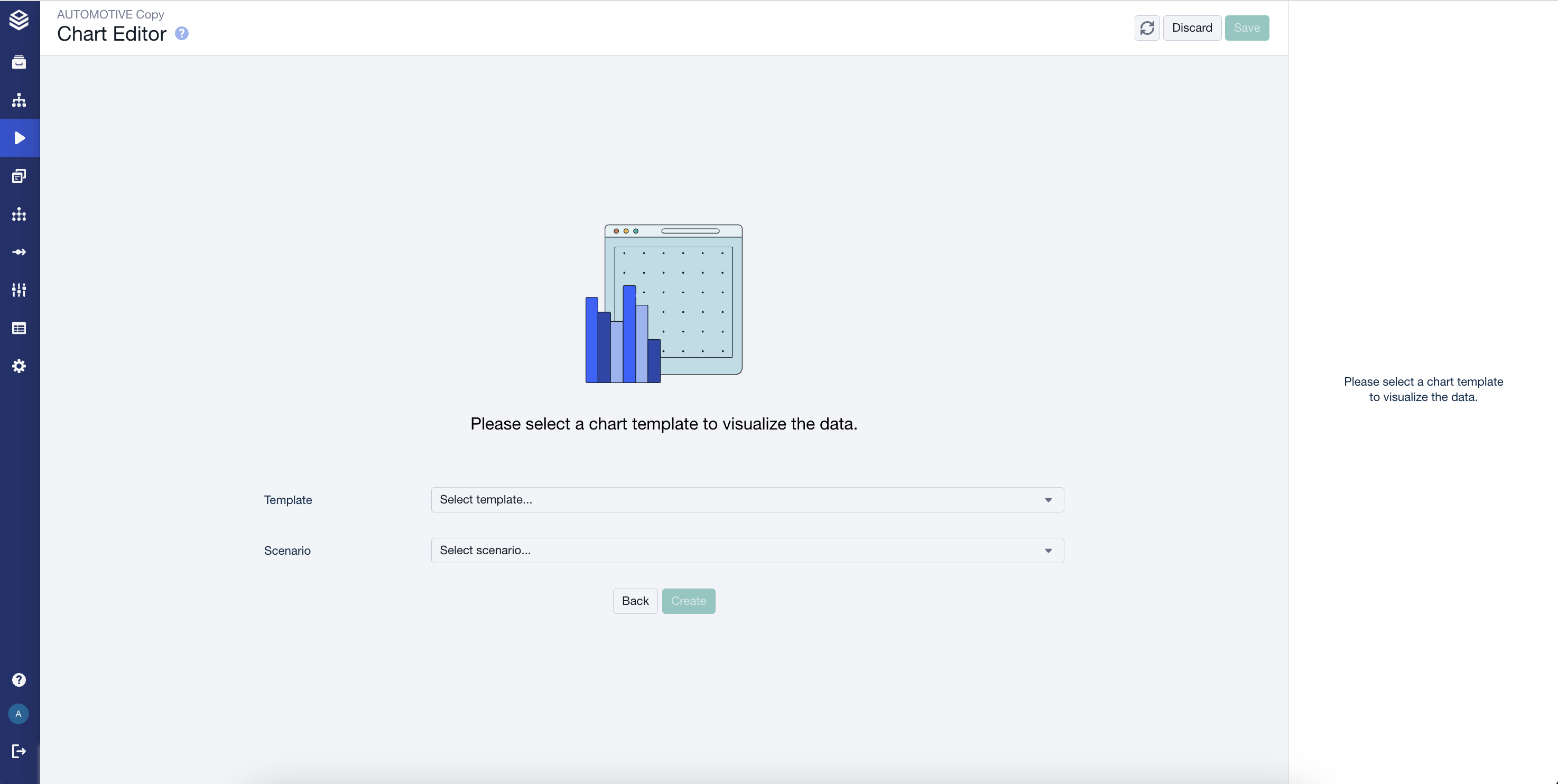
Templates are available through:
The wizard of a new, empty sheet.
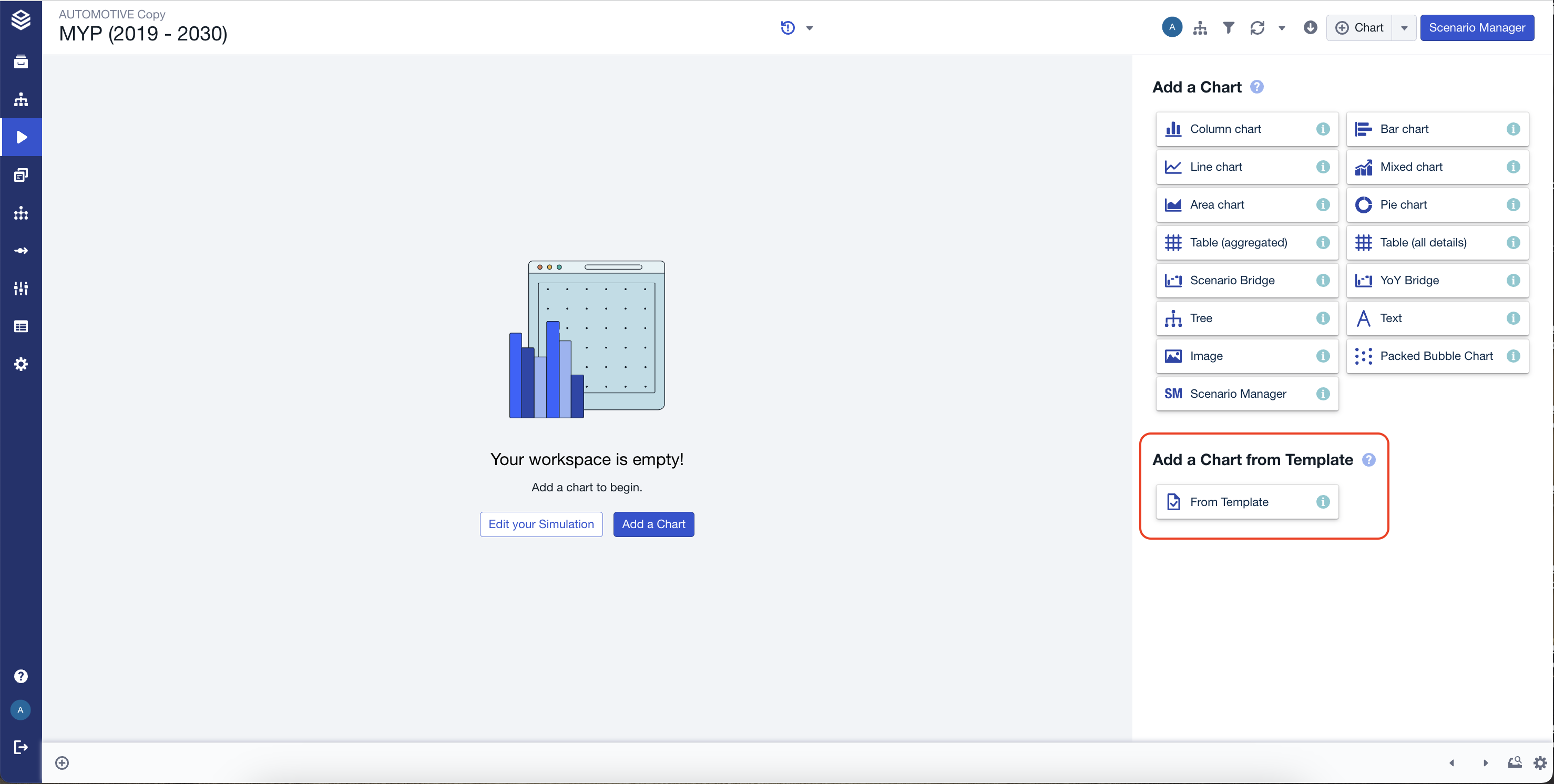
New chart wizard
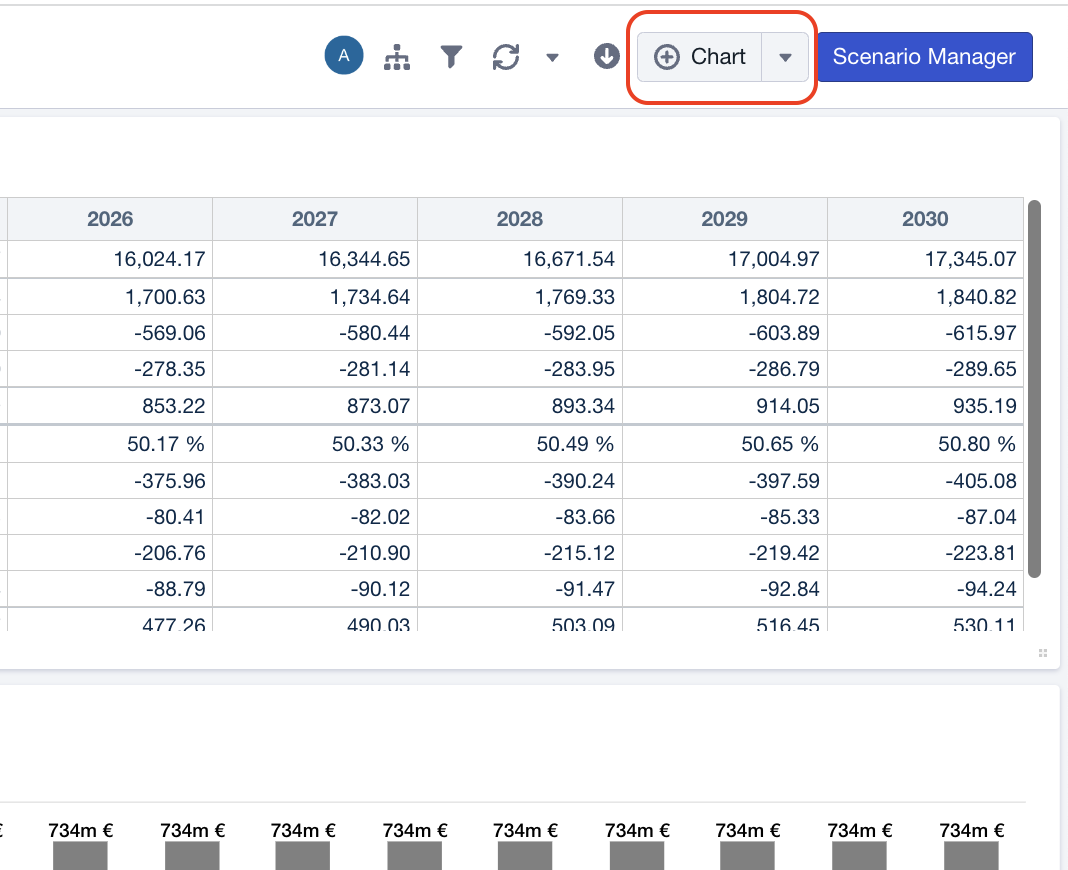
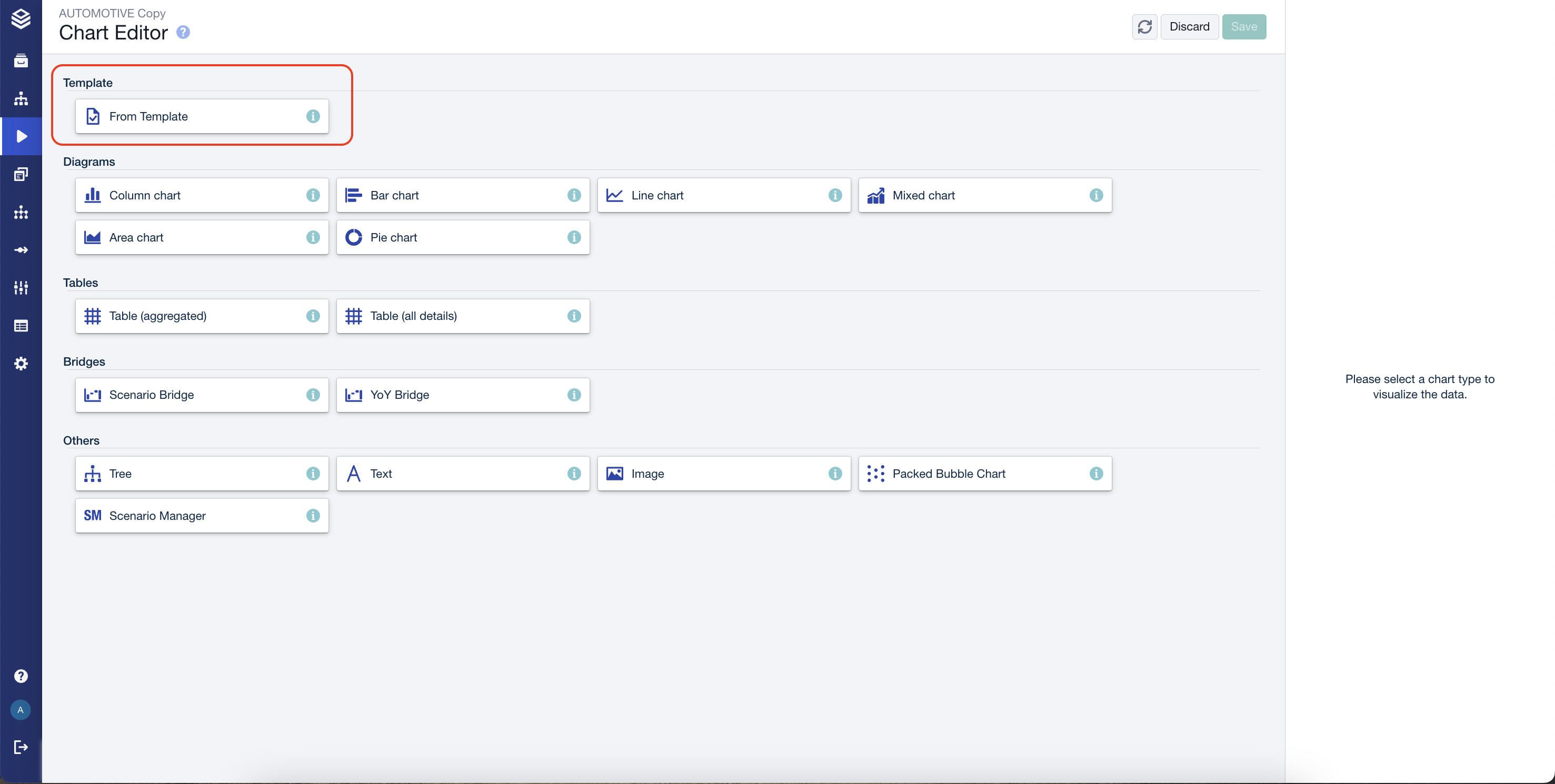
Adding a chart through the regular button, will lead you to an overview, which includes the templates.