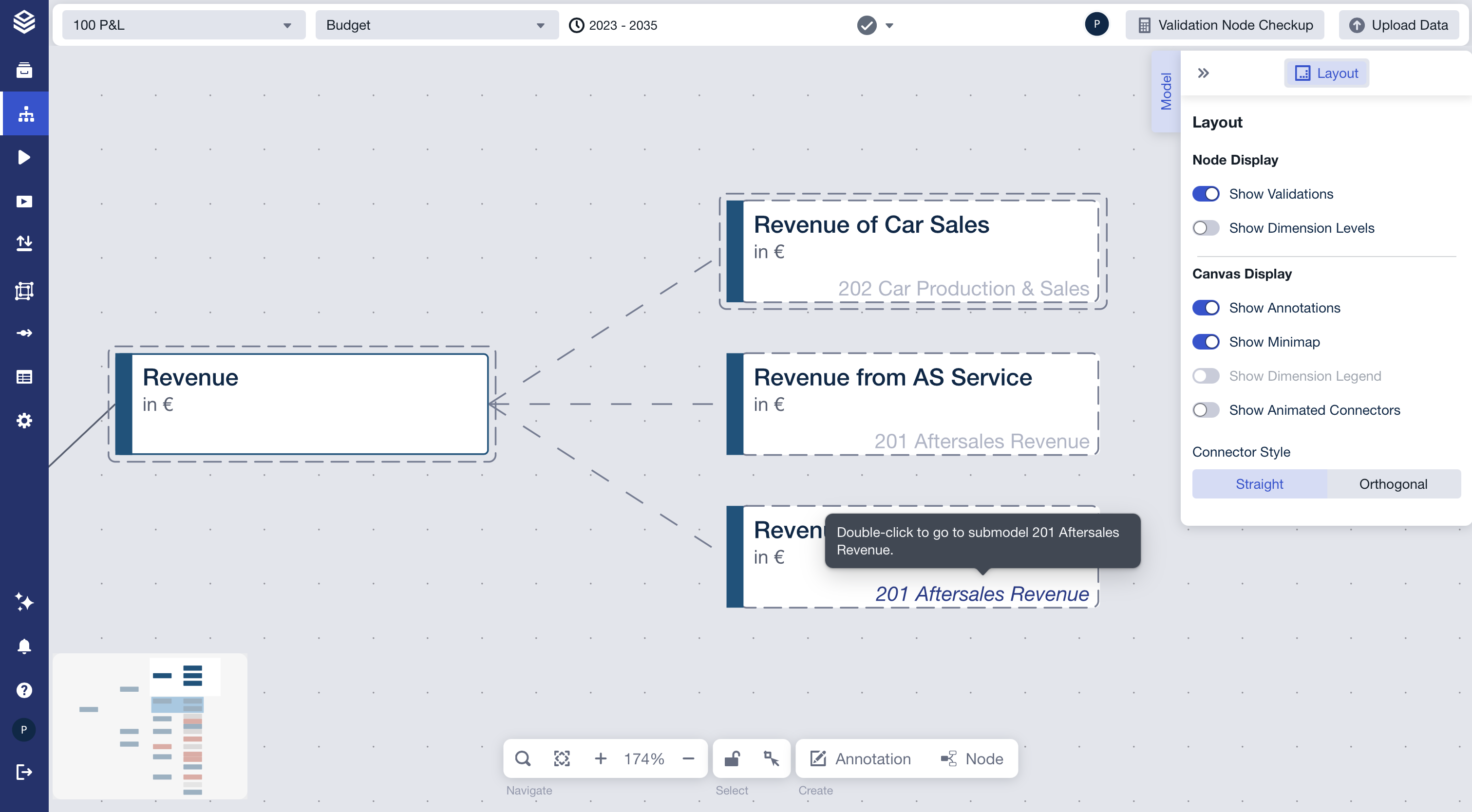
Clickable Submodel Label on External Nodes
Nodes that originate from another model (external nodes) show the source model’s name in their bottom-right corner. This label is clickable and lets you navigate directly to that model.
How it works
- Hover over the submodel label: it turns blue italic and a tooltip appears — “Go to submodel {name}”
- Double-click the label: navigates to the source model and focuses the node
- This is equivalent to the “Go to submodel” button in the Node Editor — both use the same navigation